Get on the network.
Vetted carriers and shippers only. Takes a few minutes — most approvals land within 1–2 business days.
Which one are you?
Owner-operator & OTR drivers — do the whole thing on your phone
No paperwork, no desktop, no wallet address to copy. About five minutes standing next to your truck. This is the route almost everyone should take.
Scan the code below, or open decentralfreight.com/app in your phone browser and add it to your home screen. No app store, no download.
Tap Owner Operator, then Sign in with Base. An email address is all you need; use Face ID or a fingerprint if you'd rather. Nothing to download, no seed phrase to write down.
The carrier application opens automatically. Snap a photo of your insurance card (the card, not the full Certificate) and your truck's DOT stencil, right there in the app. Done.
We review within 1–2 business days. Once you're in, open the Wallet tab, tap Add Funds, and pull dollars straight from your bank — free — then start bidding.
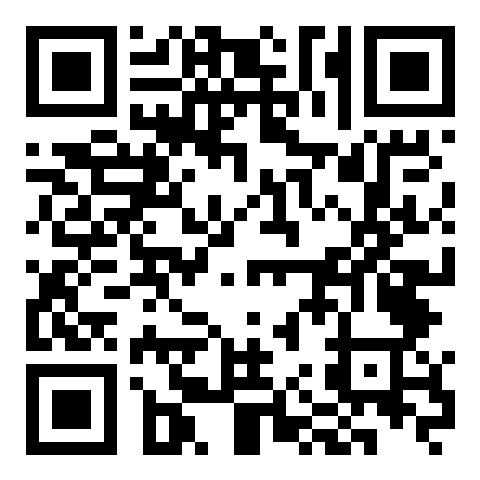
Point your phone camera here
iPhone: Safari → Share → Add to Home Screen
Android: Chrome → tap Install app when prompted
Fleets & desktop applicants
Running more than one truck, or you'd rather do this from a real keyboard with documents already on your computer? Use the form below. You'll paste a wallet address from your Coinbase Wallet or MetaMask browser extension instead of having one created for you.
Carrier application
Fleet & desktop route. Owner-operators: the phone route above is faster.
What happens next
- Verify your email. We send a 6-character code — for carriers, to the address FMCSA has on file for your DOT.
- We review your documents. Insurance, authority, and safety record. Usually 1–2 business days.
- Fund your wallet. Add USDC from your bank in the app's Wallet tab — no fee.
- Start bidding. Win a load, haul it, get paid to your wallet on delivery.
Moving money in and out costs nothing
We're an approved Coinbase on-ramp and off-ramp partner. Inside the app's Wallet tab, Add Funds pulls dollars in from your bank or debit card and Cash Out sends them right back — $0 Coinbase fee, $0 network fee, 1 USDC = $1.00. No factoring company taking 3% off the top.
See the full funding guide →Set up a wallet, then tell us who you are
That's genuinely all of it. Posting loads and funding escrow both happen in the app once you're approved.
Fastest: Sign in with Base in the app — an email address or Face ID, no download, no seed phrase. On desktop, the Coinbase Wallet or MetaMask extension is the smoothest way to post loads and fund escrow.
We'll verify your email and get you set up. Then you post your first load and carriers start bidding.
Shipper application
Takes about a minute.
What happens next
- Verify your email. We send a 6-character code to the address you entered.
- We set up your account. Usually same day.
- Fund your wallet. Add USDC from your bank in the app's Wallet tab — no fee.
- Post your first load. Vetted carriers bid within minutes.
Moving money in and out costs nothing
We're an approved Coinbase on-ramp and off-ramp partner. In the app's Wallet tab, Add Funds pulls dollars in from your bank and Cash Out sends them back — $0 Coinbase fee, $0 network fee, 1 USDC = $1.00. And your 5% deposit recycles from load to load, so the only new money each time is the rate you'd be paying a carrier anyway.
See the full funding guide →